How to DJ Your First House Party: A Beginner's Guide to Beatmatching by BPM


Every beatmatching guide online explains the technique in the abstract — gain levels, pitch faders, jog wheels — then leaves you to go find your own practice tracks. This guide skips that step. It hands you a BPM zone to start in, real songs within 5 BPM of each other, and a worked example using a verified 127 BPM house track.
What beatmatching actually is, and why BPM is the number that decides everything
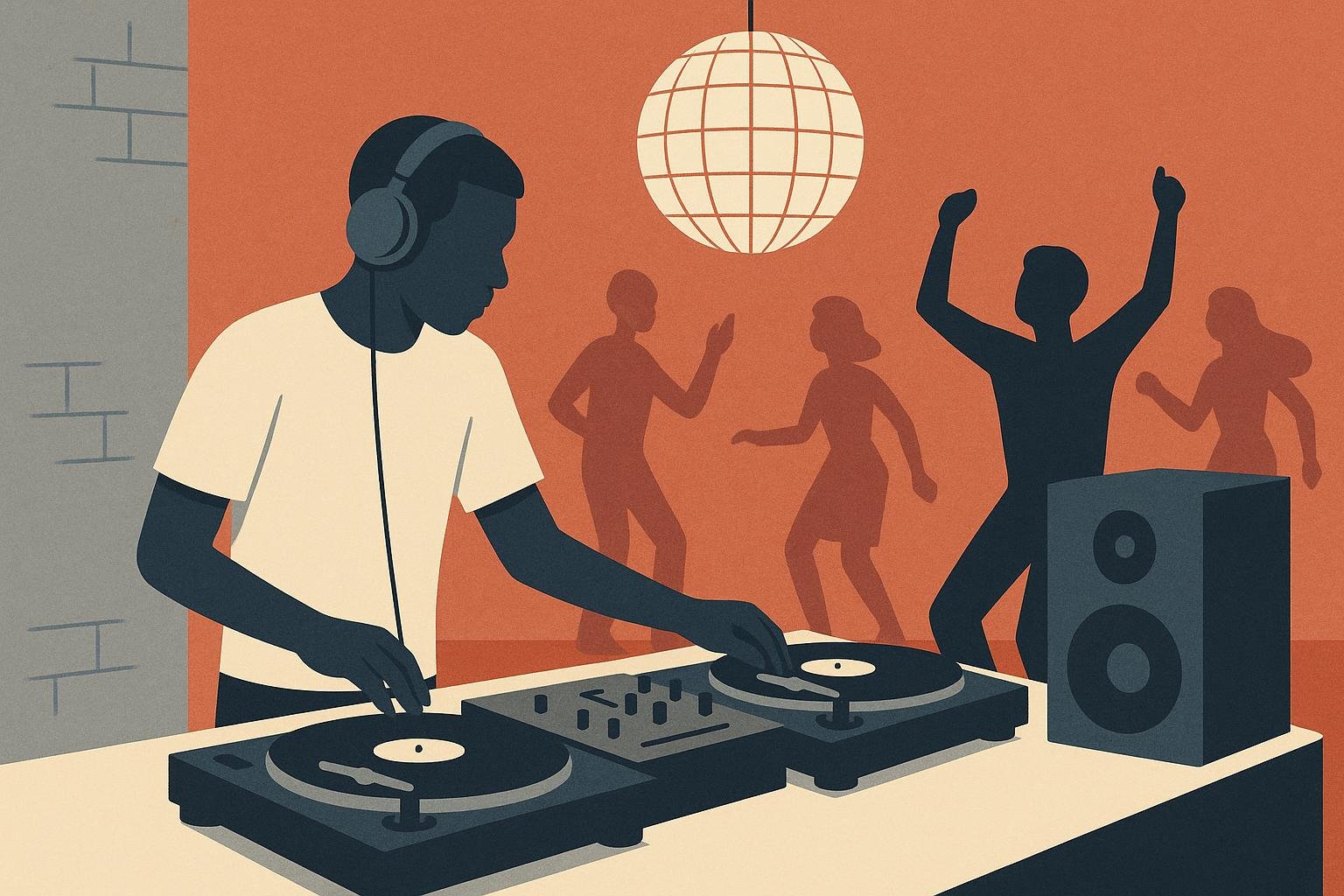
Beatmatching is the technique of adjusting an upcoming track's speed so its tempo lines up with the track currently playing, until the kicks and snares of both records hit at the same instant. It's a core skill for DJing electronic dance music, and it's standard practice in clubs to keep a constant beat running all night, even when DJs change over mid-set. On a turntable like a Technics SL-1210MK2, that adjustment happens on the pitch fader: slide it one way and the record speeds up, slide it the other and it slows down, all without the needle leaving the groove.
Beatmatching is a tempo problem before it's a skill problem. Two tracks with wildly different BPMs (beats per minute) can never lock, no matter how good your ears are. If one record's beat lands ahead of the other's, it's running too fast and the pitch needs to come down. If it lands late, it's too slow and the pitch needs to go up. You nudge until the gap disappears. That's the whole mechanic. Everything else (gain staging, cue points, jog-wheel corrections) exists just to help you execute that one adjustment cleanly.
Pick your starting BPM zone before you pick any songs
The single biggest beginner mistake is grabbing two favorite songs from different genres and trying to blend them cold. If they're 20 BPM apart, you're not beatmatching. You're fighting physics.
Stay inside a 5 BPM window while you're learning. That's tight enough for the pitch fader to make only small, musical corrections, and loose enough that you're not stuck on a single song.
For a first zone, house is the easiest entry point. Genre-tempo data puts house at roughly 120-130 BPM, right in the densest part of the dance-music tempo curve: more tracks cluster there than anywhere else. Pick your practice songs from a House set or the broader Electronic catalog and you'll have no shortage of material inside that window.
The three practice zones: real songs, grouped by BPM, ready to blend
Below are three practice zones built around real, playable tracks. Two are anchored to BPM figures that are actually measured and published. The rest are genre-typical ranges, which is also how working DJs plan sets in practice: as a starting point to confirm against your own software, not a number to trust blindly.
| Practice zone | BPM window | Why this range | Anchor track (verified BPM) | Also try |
|---|---|---|---|---|
| Zone 1: Pop/R&B | 119-123 BPM | Sits just under house; many pop/R&B remixes are produced here to blend upward into dance sets | N/A | "Don't Stop the Music" (Rihanna), "SOS" (Rihanna), "Scream & Shout" (will.i.am); check each one's BPM readout before locking a pair in |
| Zone 2: House | 126-130 BPM | House runs roughly 120-130 BPM, and 128 BPM is the single most common tempo across 90,000+ analyzed dance tracks | Pasilda (Afro Medusa), 127 BPM | "Hot" (INNA), "La Rock 01" (Vitalic) |
| Zone 3: Trance/Techno | 136-140 BPM | Trance typically runs 126-140 BPM | Born Slippy .NUXX (Underworld), 134 BPM measured (pitch up a few points to sit inside the zone) | "Communication," "Not Giving Up On Love" (Armin van Buuren) |
Each zone's window is only 4 BPM wide, inside the 5 BPM target, so any two songs pulled from the same row are already close enough to pair up and start practicing on.
Start with Zone 2. Afro Medusa's "Pasilda" is a clean reference point at a measured 127 BPM, squarely inside house's sweet spot.
Before committing to a zone, it's worth seeing how wide the Dance catalog's tempo range actually swings.
Subgenre Quiz
Think you know Dance?
Listen to real song clips and prove it — free, no signup needed.
Step by step: matching two tracks in the same zone
Work through this with Pasilda as your reference deck, and any second house track (ideally one sitting near that 128 BPM genre peak) cued in your headphones.
- Set the reference. Let Pasilda play through the main speakers. Don't touch it again until the new track is ready.
- Match the gain. Before anything tempo-related, use the mixer's gain or trim control so the new track isn't jarringly louder or quieter when it comes in.
- Find the downbeat. Cue the second track to its first strong beat (that's your slip-cue point) and start it only in your headphones, not on the main output.
- Listen and adjust the pitch fader. If the new track's kick hits before Pasilda's, it's running fast. Pull the pitch down. If it hits late, push the pitch up. Keep adjusting until the beats land together.
- Correct drift with the jog wheel. Even once the pitch fader is set, tracks drift. A light forward or backward nudge on the jog wheel pulls the beat back into line without resetting the whole match.
- Fade it in gradually, checking that the two stay locked as you bring the new track up and the old one down. Repeat the fade back and forth if you want more practice reps out of the same pair.
Why the BPM counter on your screen is a starting point, not the finish line
DJ software and controllers display BPM to make this easier, and that number is genuinely useful for picking your zone. But it's a starting point, not a guarantee. Two tracks can show identical BPM readouts and still drift apart within a minute, because the readout is an average and real performances (and some loosely-quantized production) wobble slightly around it. That's exactly why the manual jog-wheel correction in step 5 above matters: it's what catches drift that the number on the screen won't show you.
Genre BPM ranges also shift over time. Hard techno, for instance, ran around 120-130 BPM for years before the floor moved up to 145-160 BPM after 2021. Any BPM chart, including the one in this guide, is only as current as the day it was checked, so treat published ranges as a guide, and your own ears, plus your software's live readout, as the actual authority once you're mixing.
Mistakes that keep beginners stuck in the same practice loop
- Calling it "close enough": a 6-8 BPM gap feels small on paper but forces constant pitch-fader chasing in practice. Stay inside that 5 BPM window until matching feels automatic.
- Ignoring phrasing and downbeats: matching tempo isn't the same as matching the music. Cue in on an off-beat or mid-phrase and the tracks can be perfectly tempo-locked and still sound wrong. Beatmatching is only one ingredient in beatmixing, the fuller skill that also factors in EQ and phrasing alongside track selection.
- Over-relying on auto-sync: it's fine as a safety net, but if you never practice the manual version, you never build the ear that catches drift or saves a transition when the sync button gets it slightly wrong.
- Skipping the half-time/double-time trick: tracks at 70 and 140 BPM, or 87 and 174 BPM, can still mix together because one bar of the slow track equals two bars of the fast one. Beginners who don't know this limit themselves to narrower zones than they need to.
Quick check: did the zones stick?
0/3Afro Medusa's "Pasilda" measures 127 BPM. Which practice zone does it belong to?
Underworld's "Born Slippy .NUXX" measures 134 BPM. To bring it up into the 136-140 trance/techno zone, what's the move?
Before you even touch the pitch fader, what's the first adjustment in the classic beatmatching sequence?
Where to go next: widening your BPM range and mixing by key
Once a zone feels easy (you're not thinking about the pitch fader anymore, just reacting to drift), widen the window. Bridge from house's 126-130 BPM into trance/techno's 136-140 BPM zone using a track like "Born Slippy .NUXX," which sits at a measured 134 BPM: close enough to either neighboring zone that a small pitch push gets you there.
After tempo, the next skill most working DJs reach for is harmonic mixing: matching the musical key of two tracks the way you've been matching their BPM, so transitions sound consonant instead of just rhythmically aligned.
If you want a deeper look at where these tempo ranges and genres actually came from, the 50-year history of dance music traces disco into house, techno, and EDM. For more on how BPM shapes listening rather than mixing, see the BPM science behind workout playlists.
Subgenre Quiz
Think you know Dance?
Listen to real song clips and prove it — free, no signup needed.
Frequently asked questions
What BPM should a beginner start with for beatmatching?
Start in the 120-130 BPM window, which is where house and most mainstream dance music sits. A Ghent University analysis of over 90,000 tracks found the single most common tempo in dance music to be exactly 128 BPM, so practicing around there puts you in the thickest part of the catalog and gives you the most real songs to choose from.
Why do DJs use BPM ranges instead of a single target number?
Because even tracks in the same genre vary by a few BPM, and a pitch fader can only nudge a track so far before it sounds unnatural. Working within a window like 126-130 BPM instead of chasing one exact number means you can match almost any two songs in that zone with a small, musical pitch adjustment rather than a drastic one.
Does the sync button make manual beatmatching pointless to learn?
No. Software sync can lock two BPM readouts together, but those readouts are themselves approximations, and tracks can still drift once they're playing. Manual beatmatching trains the ear to catch that drift and also gives a DJ more creative control over transitions than relying on an automated feature.
What's the difference between beatmatching and beatmixing?
Beatmatching is specifically the tempo-syncing step: getting two tracks' kicks and snares to land at the same time. Beatmixing is the bigger skill that layers in EQ work and phrasing alongside track selection, so an entire transition flows musically, not just rhythmically.
Sources
- Beatmatching — Wikipedia
- The basics of beatmatching: syncing two tracks for a perfect mix — Hercules
- DJ BPM Guide: Tempo Ranges for Every Genre — Digital DJ Pool
- BPM and key for Pasilda by Afro Medusa — SongBPM
- BPM and key for Born Slippy by Underworld — SongBPM